
Introduction
When you create a workspace using a Version Control System (VCS) workflow, you can configure the workspace to trigger runs only when changes occur in the root directory. When a change is committed to a non-root directory, HCP Terraform or Terraform Enterprise will not trigger a run.
Prerequisites
- An HCP Terraform account or a Terraform Enterprise v202209-1 or newer installation.
- A workspace connected to a VCS repository.
Procedure
Follow these steps to configure your workspace's run triggers.
- Navigate to your desired workspace in HCP Terraform or Terraform Enterprise and go to Settings > Version Control.
- Under Terraform Working Directory, set the path to
.. - Under Run Triggers, select Only trigger runs when files in specified paths change.
-
In the Include text box, enter the pattern
./*and click Add pattern.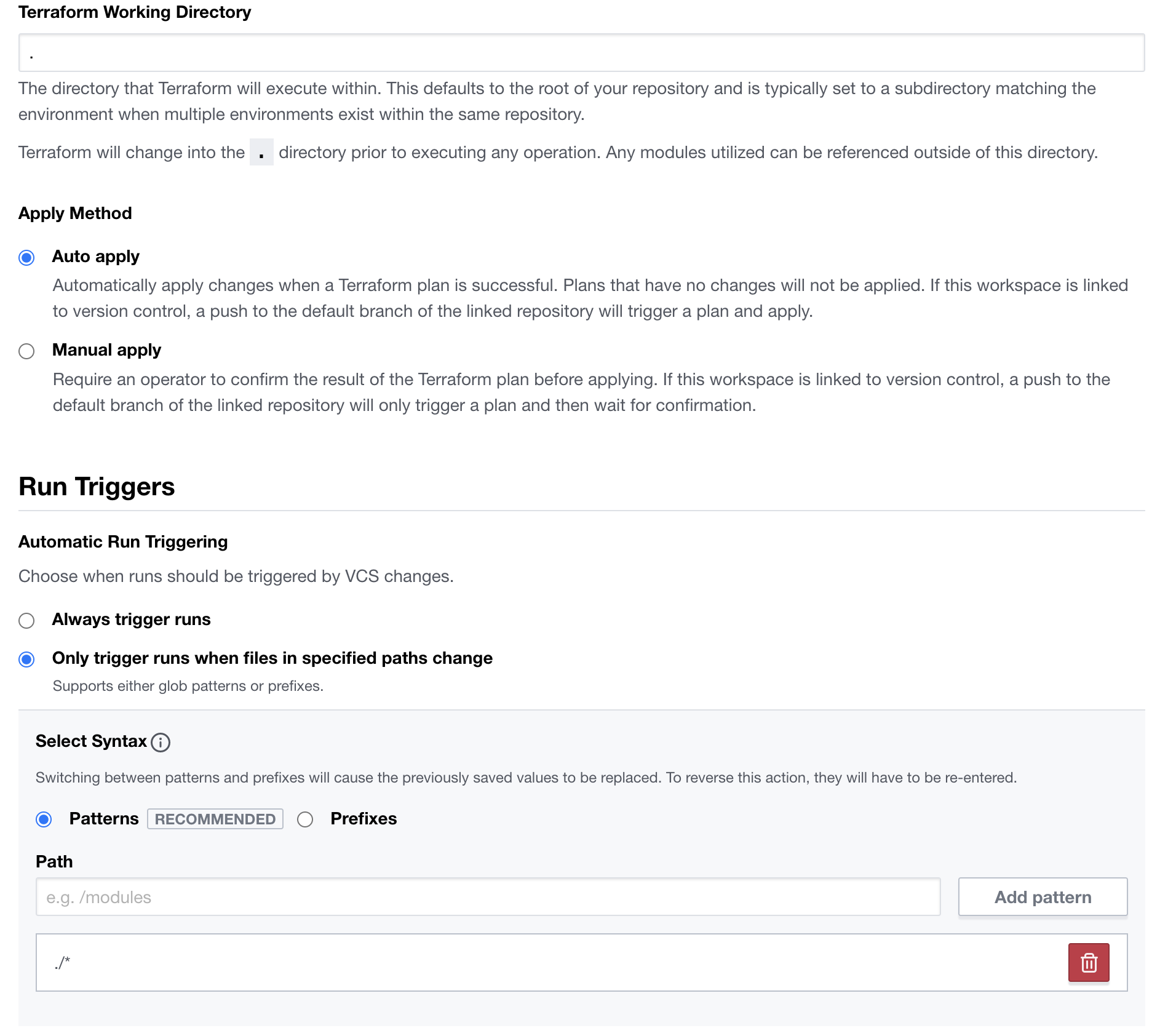
-
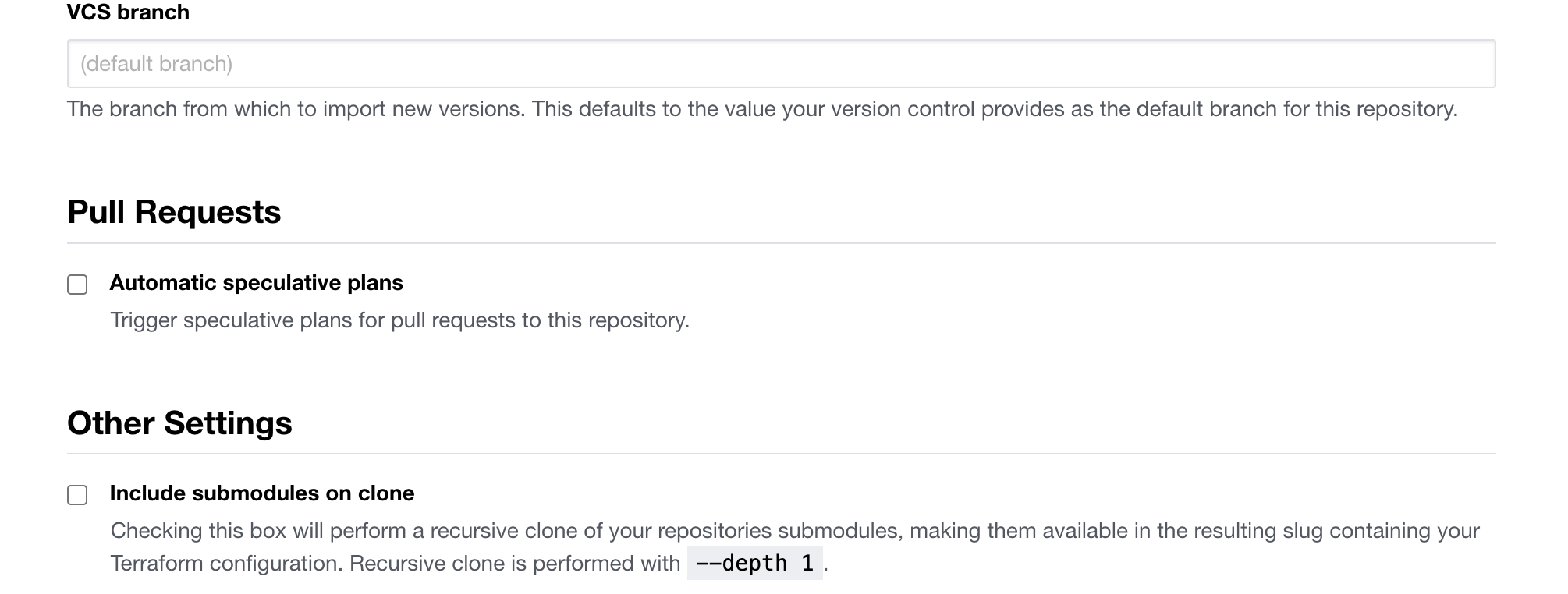
Under Pull Requests, deselect the Automatic speculative plans checkbox.
After saving these settings, the workspace will only trigger runs for commits that modify files in the root directory of the repository.